Sign in
To access Clinical Analytics
- Open your preferred web browser and enter your organization’s unique Clinical Analytics address. Most likely, the address is in the following format: organization-clinical.axiom.cloud.
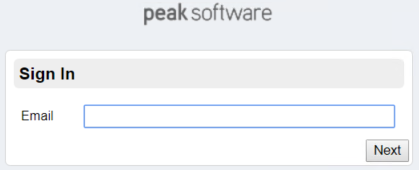
- Enter your email address and click Next.
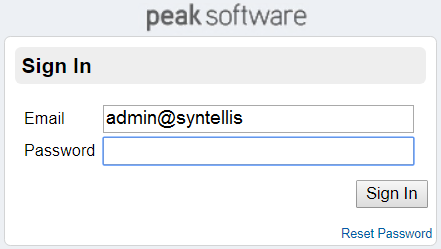
- For those without SAML authentication, you must enter your password into the field and click Sign In to proceed to the Home page.
- For those with SAML authentication, you are redirected to your organization's sign-in page, then proceed to Clinical Analytics.
Sign in troubleshooting
If you are having trouble getting signed in:
- Avoid copy-pasting your password. Enter it to make sure you don’t accidentally include extra characters.
- Check the caps-lock key.
- Make sure you’re on a computer that has signed in to Clinical Analytics before. Clinical Analytics is accessible from only certain IP addresses at each facility. If your computer’s IP address is not registered with Clinical Analytics software, you cannot sign in.
- If none of these options work for you, your Clinical Analytics Administrator can reset your password.
Dual authentication
For clients with Dual authentication, clicking Sign In prompts you to enter your Dual Authentication code before you proceed to Clinical Analytics.
